How to Onboard New Teams in Minutes with MTO
Simplify Kubernetes onboarding at scale. Stakater MTO automates namespaces, RBAC, and tool integrations to deliver fast, secure multi-team setups.
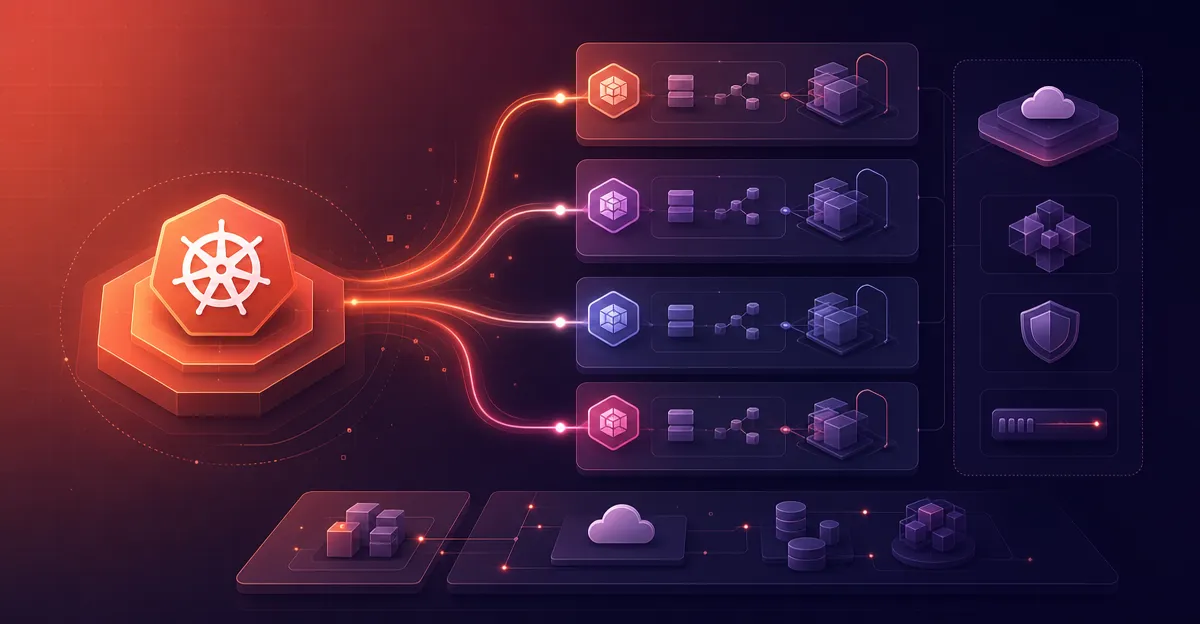
As organizations scale their Kubernetes usage, efficiently onboarding new development teams becomes crucial. Manual processes — like setting up namespaces, configuring RBAC, and integrating observability tools — can be time-consuming and error-prone.
With Stakater’s Multi-Tenant Operator (MTO), we can streamline this process, enabling rapid, consistent, and secure team onboarding.
The Traditional Onboarding Challenges
-
Manual Namespace Creation: Setting up namespaces for each team manually.
-
RBAC Configuration: Defining roles and permissions individually.
-
Resource Quotas: Assigning resource limits without standardization.
-
Tool Integrations: Manually integrating logging, monitoring, and CI/CD tools.
-
Inconsistencies: Variations in configurations that lead to potential security and compliance issues.
Accelerated Onboarding with MTO
MTO introduces a declarative approach to tenant management, letting our platform teams define tenant configurations using Kubernetes Custom Resources.
Step 1: Define the Tenant CR
Here’s an example of a Tenant CR:
apiVersion: tenantoperator.stakater.com/v1beta2
kind: Tenant
metadata:
  name: team-alpha
spec:
  owners:
    users:
      - alice@example.com
  quota: medium
  namespaces:
    withTenantPrefix:
      - dev
      - staging
  commonMetadata:
    labels:
      team: alpha
      environment: dev
  desc: "Team Alpha's development and staging environments"
  hibernation:
    sleepSchedule: "0 22 * * *"
    wakeSchedule: "0 6 * * *"
Explanation:
-
owners: Specifies the users who own the tenant.
-
quota: References a predefined quota (e.g., ‘medium’) that sets resource limits.
-
namespaces.withTenantPrefix: Creates namespaces like team-alpha-dev and team-alpha-staging.
-
commonMetadata.labels: Applies consistent labels across all namespaces.
-
desc: Provides a description for the tenant.
-
hibernation: Schedules namespaces to hibernate during off-hours, helping us conserve resources.
Step 2: Apply the Tenant CR
Use kubectl to apply the Tenant CR:
kubectl apply -f tenant-team-alpha.yaml
MTO processes this CR and automatically:
-
Creates the specified namespaces with the appropriate prefixes
-
Applies resource quotas and limit ranges
-
Configures RBAC for the specified owners
-
Integrates with tools like ArgoCD, Vault, and Prometheus (if configured)
-
Sets up hibernation schedules as defined
Benefits of Using MTO for Onboarding
-
Speed: Onboard new teams in minutes
-
Consistency: Ensure uniform configurations across all teams
-
Security: Apply standardized security policies automatically
-
Scalability: Manage numerous teams without adding operational overhead
-
Resource Efficiency: Use hibernation to optimize resource usage
Final Thoughts
Efficient team onboarding is vital for agile development and operations. Stakater’s Multi-Tenant Operator provides a robust solution to automate and standardize this process, ensuring our new teams are up and running quickly with the resources and configurations they need.
For more detailed information, refer to the official MTO documentation: Tenant Overview